Why a card beats an app at the gate
At a site gate every second counts. A physical card works with no login, no phone and no network, and that makes it the right tool for the job.
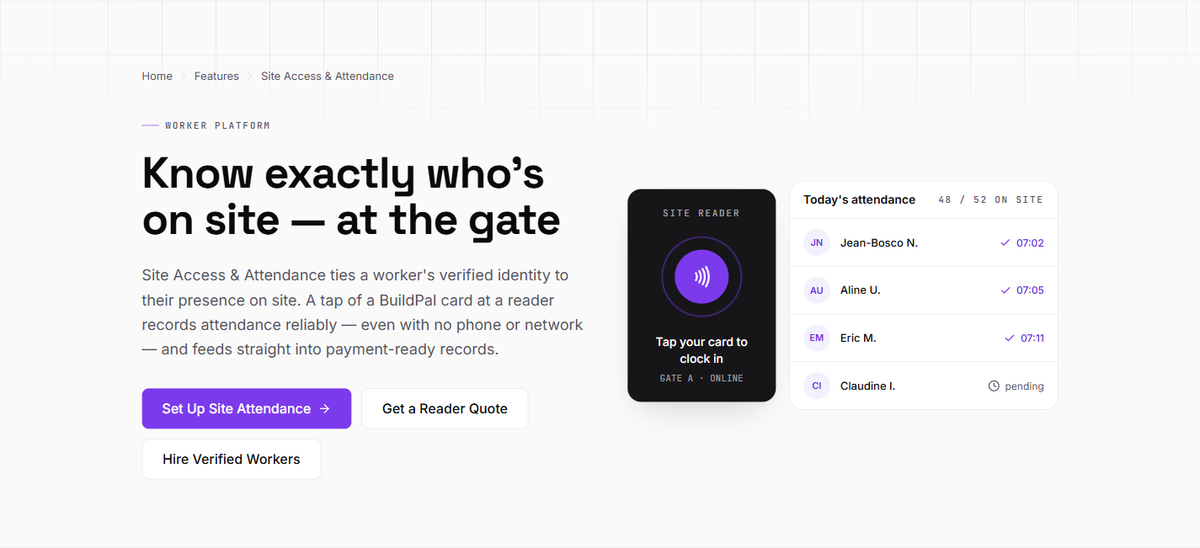
When we started, the obvious answer was an app. Workers would open it at the gate, show a code, and walk in. It took one morning at a real gate to see why that wouldn't work.
What does a gate actually need?#
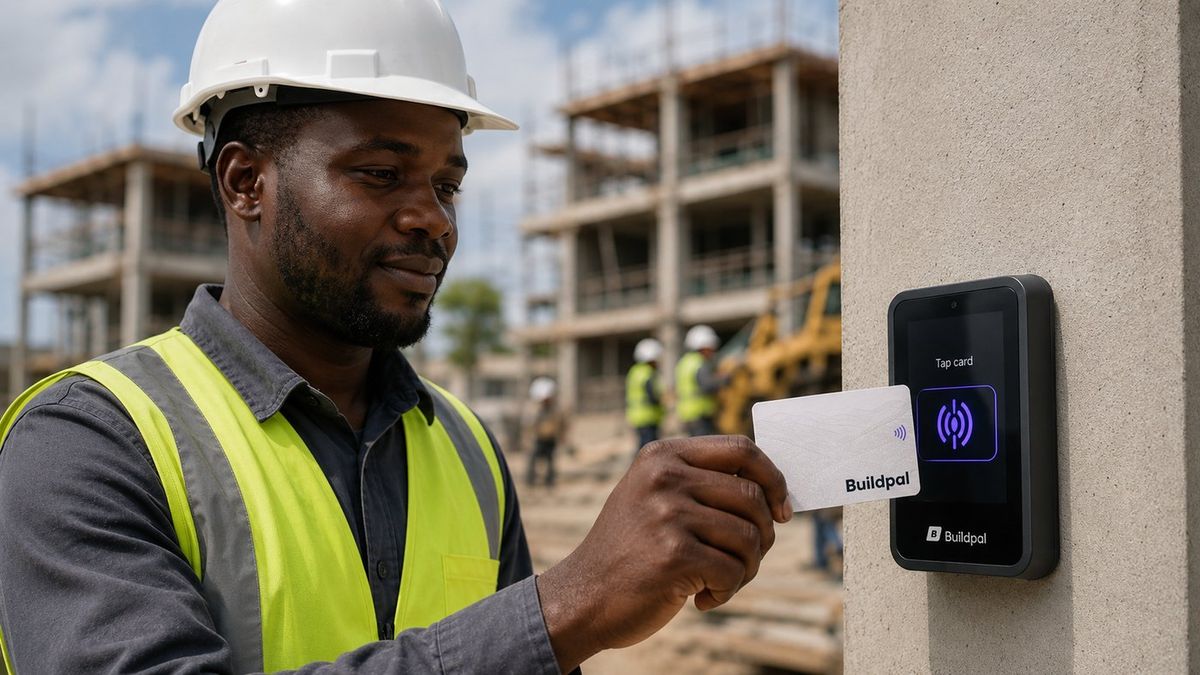
Speed, above everything. At seven in the morning a crew arrives together, and a line of fifty people waiting for phones to unlock is fifty people not working. A gate needs something that takes a second, needs no login, and works for everyone who walks up to it.
It also has to work in the rain, in the dust, and on the day the site's internet is down.
Why a card and not a phone?#
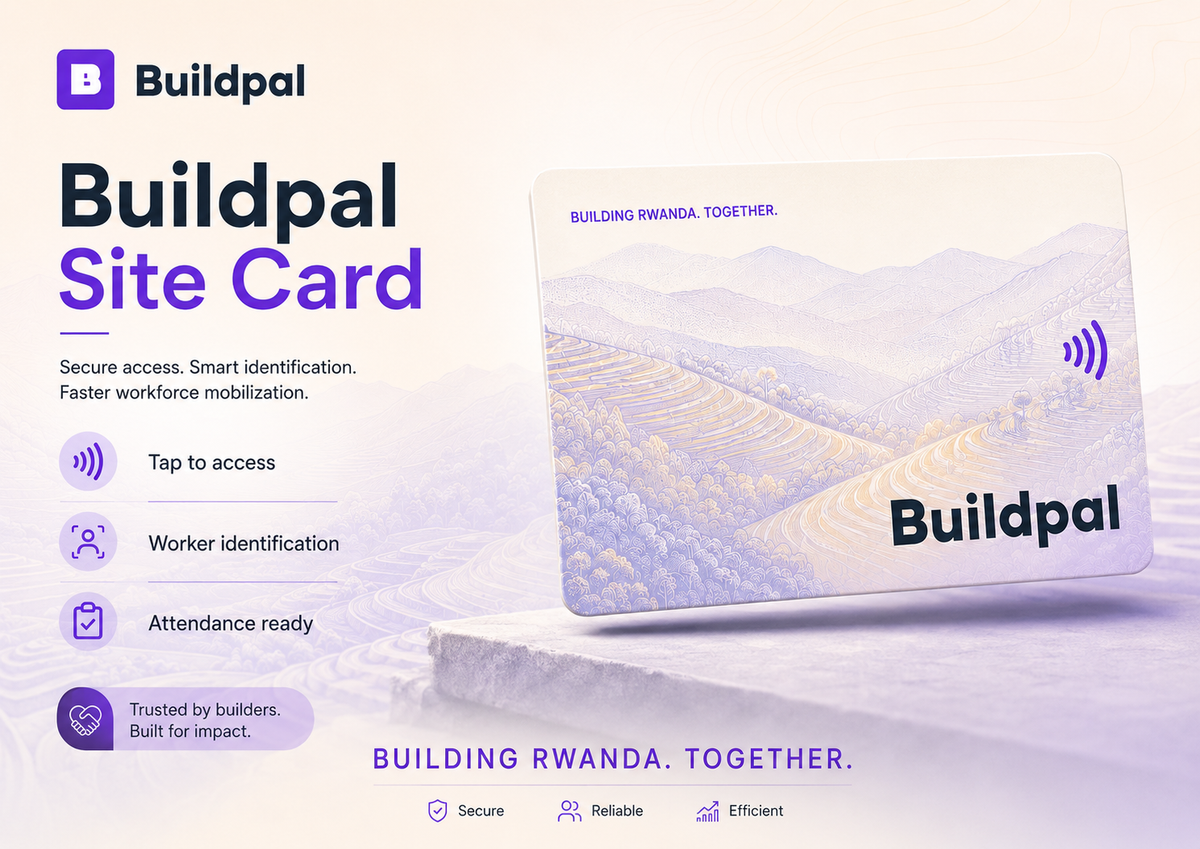
A card does the one job the gate needs and nothing else.
- It works with no battery, no phone and no network.
- Each worker has one card with a printed serial, registered to them.
- It can't be passed around quietly: every tap records which card, and each card belongs to one person.
The phone still matters. Workers use it, or USSD and SMS on a basic phone, to see their bookings and their money. It just isn't the key to the gate.
What does the reader say when it says no?#
A denial always comes with a reason, on the spot: the card is lost, the card isn't active, the worker isn't booked on this site, or the tap is a duplicate. The worker knows what to fix, and the gate team doesn't have to guess or call the office.
Gate set-up checklist (sample)A one-page checklist for your first morning. · PDF · 1 KBDownloadIf you're setting up your first gate, the checklist above covers the basics. The rest you'll learn on the first morning, like we did.

Product, field operations and engineering at Buildpal, writing about what we learn building a verified workforce for construction in Rwanda.
Comments (0)
No comments yet. Start the conversation.