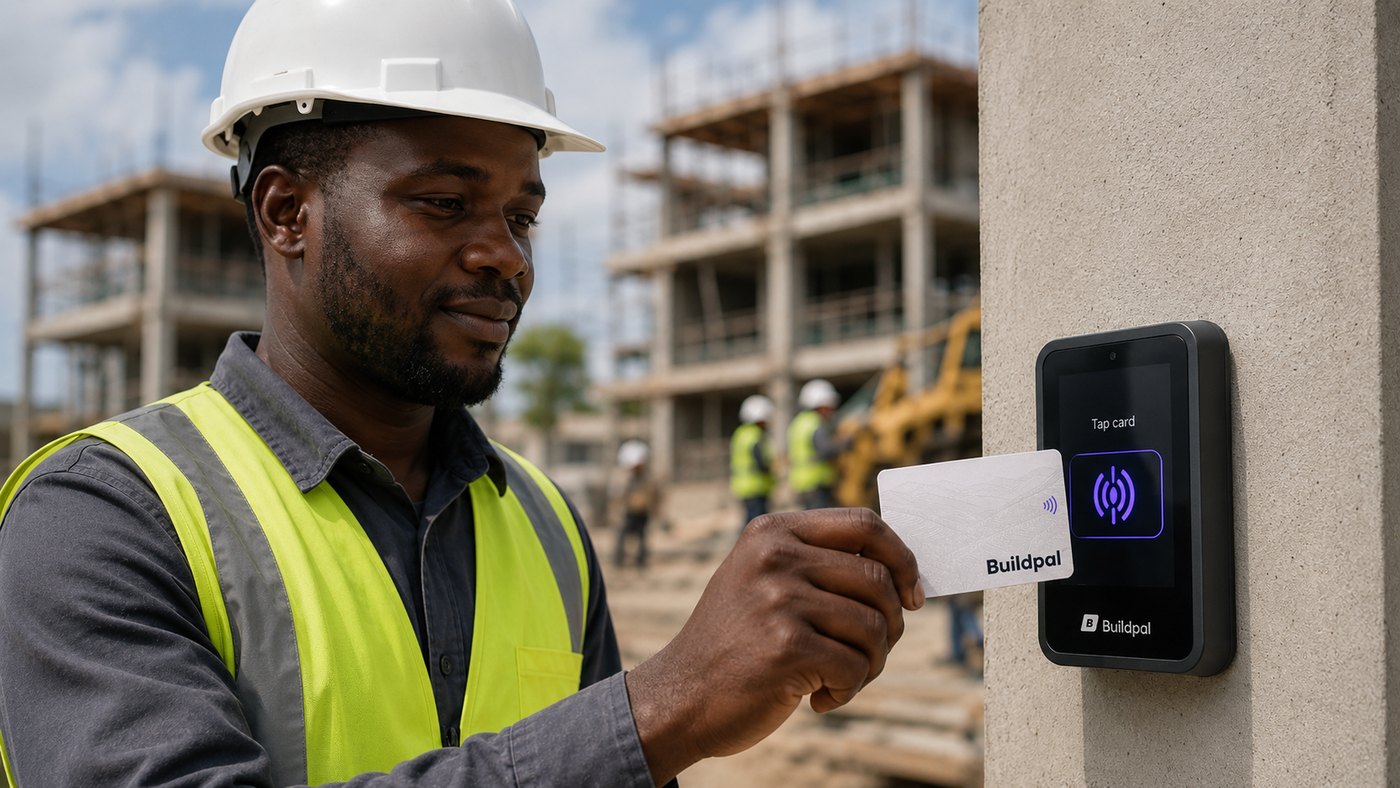
For contractors

Need workers on site? Get the request moving.

Tell Buildpal the trade, site and dates. We'll connect your request with eligible workers who are available to accept, with booking and attendance records to help you run the day.

—Join Buildpal

Two apps, one team. Start where your work happens.

The office books workers and approves days on the Buildpal web app. Site supervisors run the day from the Field App on their phone. Set up the company account first, then invite your supervisors. Each step says what to do and what happens next.

—On the web app

Set up your company on the Buildpal web app.

Open the web app on a computer or in your phone's browser and follow these steps in order. Have your company's registered name and an email address you check to hand.

Log In to the Web App

New to Buildpal? Choose Create a company account on the same page.

Set up your company account

Create your account

Tap the button above and choose Create a company account. Enter your name, your email address and a password.

What happens next

Your account is made, and you sign in with your email address from then on. Your sites, bookings, attendance and payments all hang off it.
—In the Field App

Run the site from the Buildpal Field App.

The Field App is for site supervisors. Your company invites you from the web app first, then you follow these steps on your phone.

Get the Field App on Google Play

Free. For Android phones.

Set up your account

Get your invitation

Ask the person who runs Buildpal at your company to invite you as a supervisor on your site.

What happens next

You get your own supervisor login. It's yours alone, so every check-in you record shows your name.

—Sound familiar?

The calls every site knows.

We're short three masons for Monday.
Make the request once and reach eligible workers.
The foreman says everyone came in. Who actually attended?
Keep attendance records that can be reviewed.
We've worked with good people before. How do we find them again?
Request familiar workers through the open marketplace.
I need a clearer picture of our projects.
Explore the separate Buildpal OS beta.
—What contractors get

Less chasing, more to go on.

More straightforward worker requests

Enter the need rather than relaying it across calls.

Better booking visibility

See who has accepted the work before the shift.

Less missing information

Keep worker, site and attendance records together.

Room to grow

Start with labour booking; explore OS tools when the business needs them.

—Start small

Start with one real site.

Choose a job where you need workers. Create a request, review the accepted bookings and use the attendance process that fits your site. You'll see how Buildpal fits existing work before expanding to more sites.

Tell Us About Your Site
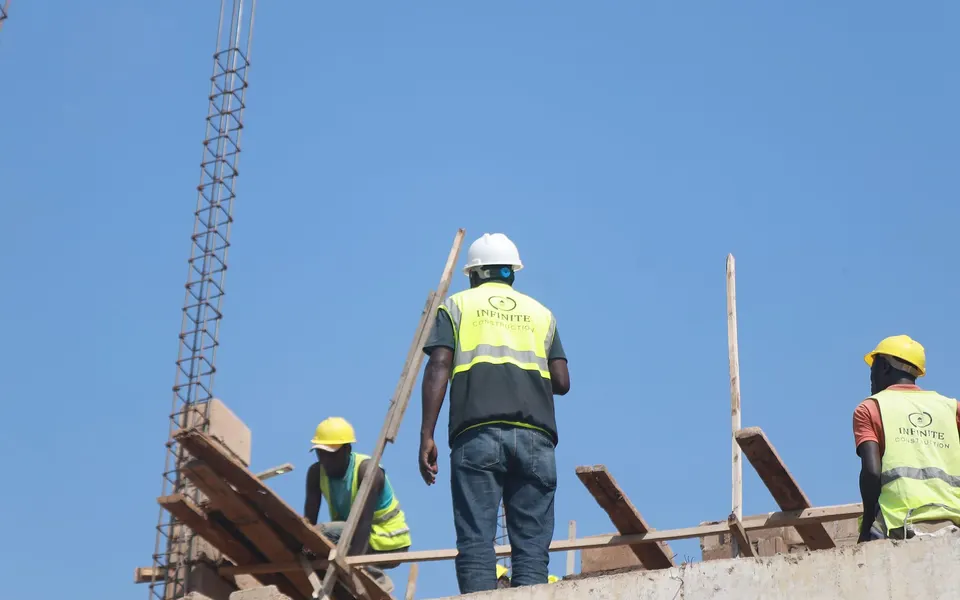
Workers on a building site in Rwanda
—Need more than labour booking?

Want better visibility across projects too?

Buildpal OS is being developed for project planning, field updates, documents, procurement and costs. It's a separate product. Join the beta list if you would like to help shape it.

Explore Buildpal OS

Questions you might have.

Yes. Worker bookings do not require Buildpal OS.

Your next crew starts with a clear request.

Tell Buildpal the trade, site and dates, and see who accepts before the shift.