Check in and out at the gate
Tap your card at the reader when you arrive and when you leave. That tap is the record your pay is calculated from.
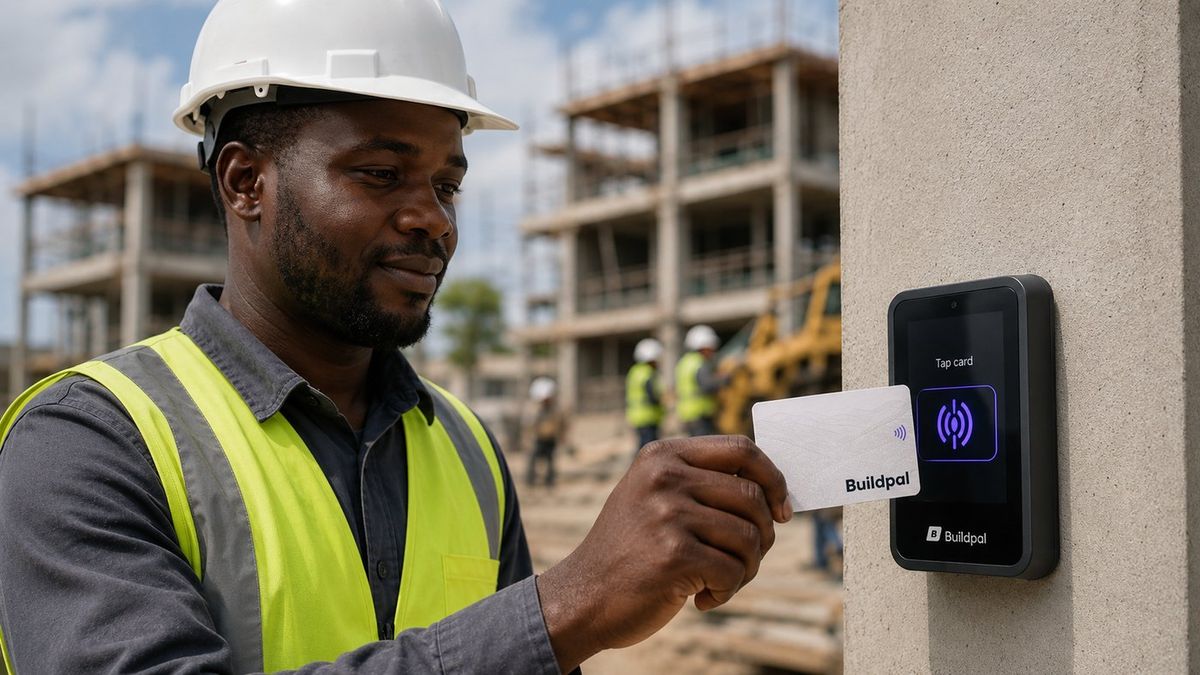
What you need
- Your Site Card
There's no sheet to sign and nobody's notes to trust. Your tap at the gate is your evidence.
Tap in when you arrive
Hold your card to the reader at the gate. It records the time and the site.
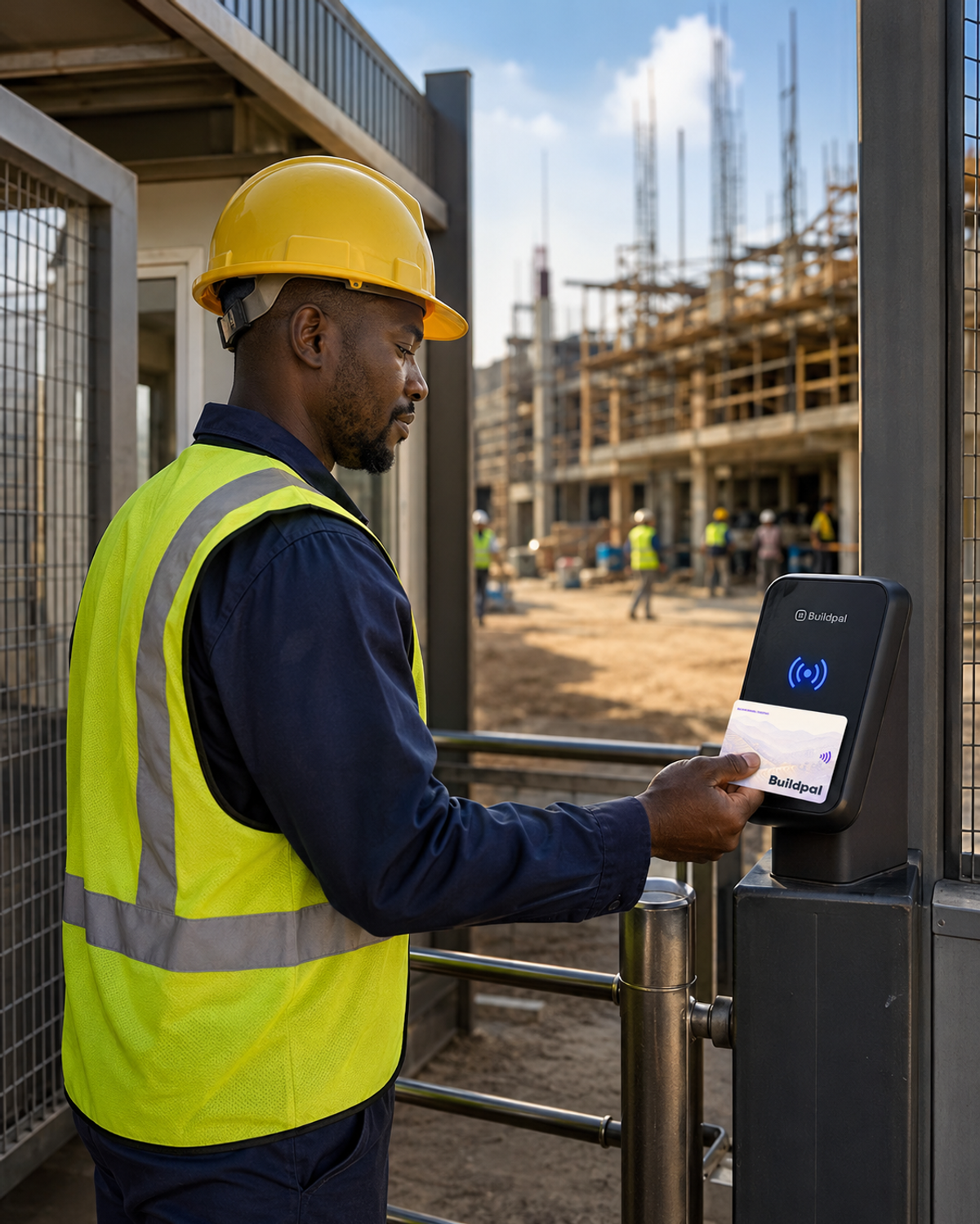
Read what the reader tells you
The reader shows straight away whether your tap was accepted. If it wasn't, it tells you why.
Tap out when you leave
Tap again when you leave, so your whole day is recorded.
If the reader says no
If it says you're not booked on this site, check your bookings. If your card isn't active or was reported lost, talk to the site supervisor.
TipYour taps are your evidence. Pay is calculated from them, not from anyone's notes.
Was this guide helpful?