Approvals and pay
Approve days and pay your crew
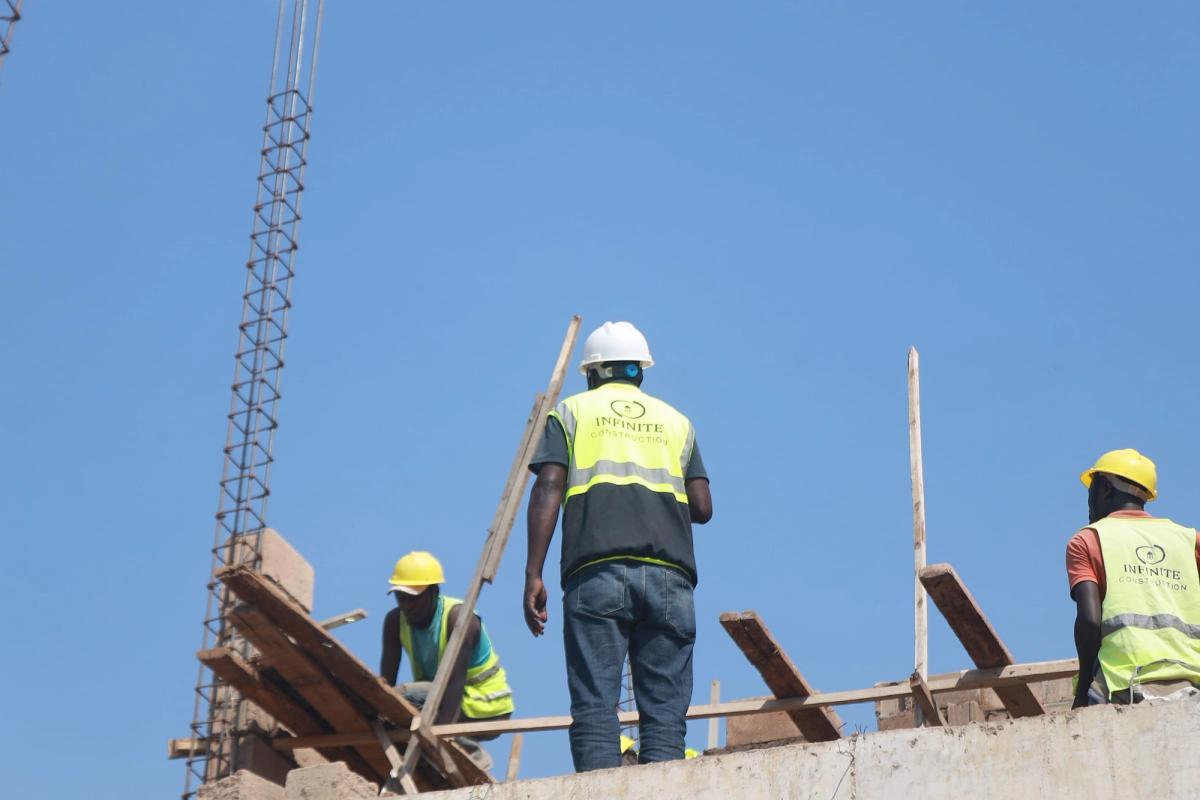
Review the attendance, approve the days worked, and pay reaches each worker's mobile money on schedule. Every step is recorded.
6 min5 steps
Walkthroughs, video tutorials and step-by-step guides for contractors and site teams, from your first booking to paying your crew.
Looking for work on site?I'm a worker
Your first week on Buildpal, step by step. Tick each step off as you go.
Short videos that show each step on screen.
Pick a topic, or search above.
2 guides
Review the attendance, approve the days worked, and pay reaches each worker's mobile money on schedule. Every step is recorded.

Worker rates are published, not negotiated. Here is what makes up the rate on a booking, and the one lever you have to raise it.
Quick answers to the problems people run into most.
Check the day's attendance: a worker who hasn't tapped in shows as absent. Workers on the booking's standby list can be offered the place, and a no-show counts against the absent worker's reliability. You can also send a new request for the same day.
Edit the booking. Workers who already accepted are asked again, because a real change to the dates or the rate needs their fresh yes. If someone declines, the place can go to the next worker on the standby list.
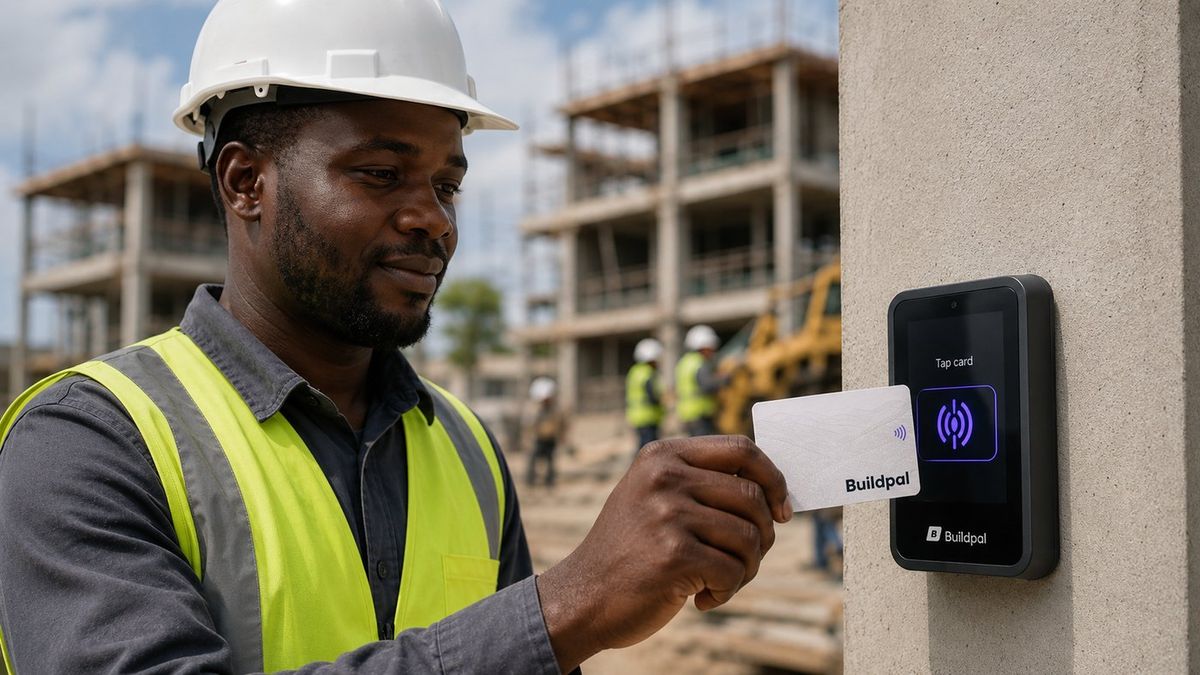
The reader shows the reason on the spot: the card is lost or not active, the worker isn't booked on this site, or the tap was a duplicate. Fix the cause, for example by adding the worker to the booking, and ask them to tap again.
Readers report their own health. Check the power and the network first. A reader keeps recording taps while it is offline and sends them when it reconnects, so the day's attendance isn't lost.
A failed payout shows its reason and the money goes back to the worker's wallet, so nothing is lost. The usual cause is a mobile money number that doesn't match. The worker can correct it and withdraw again.
Ask them to report it straight away so the card stops working. The replacement is theirs and is registered to them, and their record stays exactly as it was.
Ratings can be disputed. A dispute goes to moderation, and reviews that are abusive, personal or retaliatory are removed rather than averaged in. Keep every rating about the work.
Invite them from the site's team page. Each supervisor has their own login, and every monthly plan includes up to two site supervisors per project.
The words you'll see on Buildpal, in plain language.
Tell us what you're trying to do and the Buildpal team will help you set it up.