What the reader tells a worker, and what to do
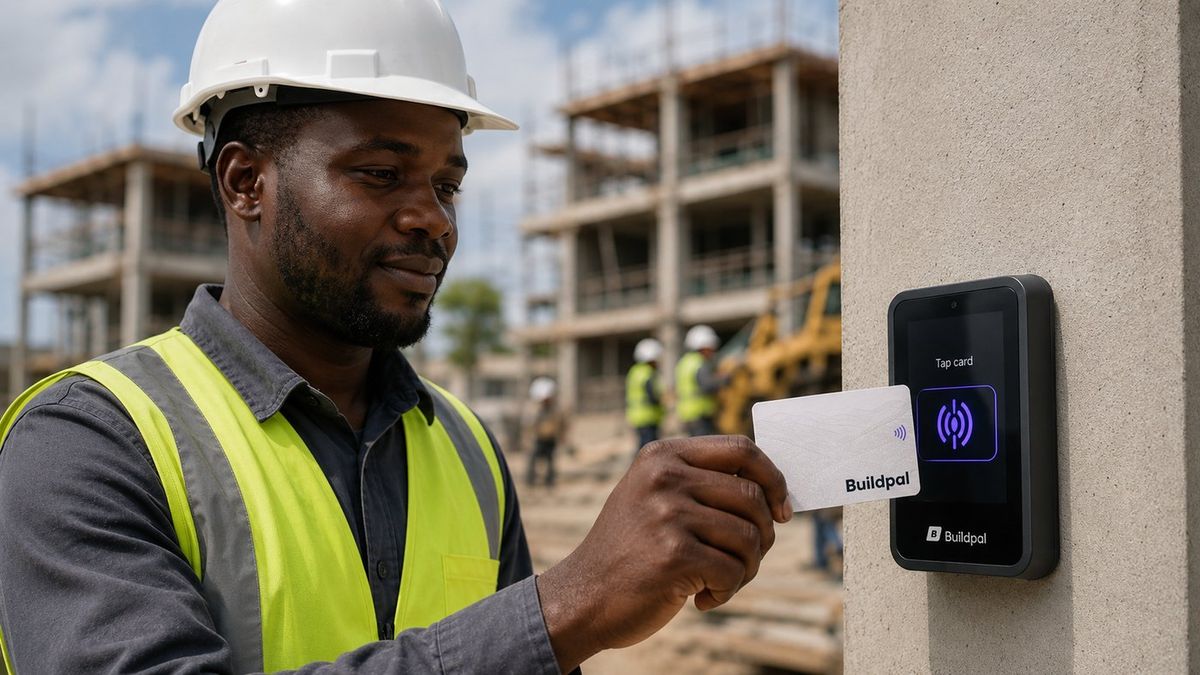
When a reader accepts or refuses a tap, it says why on the spot. Here is what each answer means and how to sort it out.
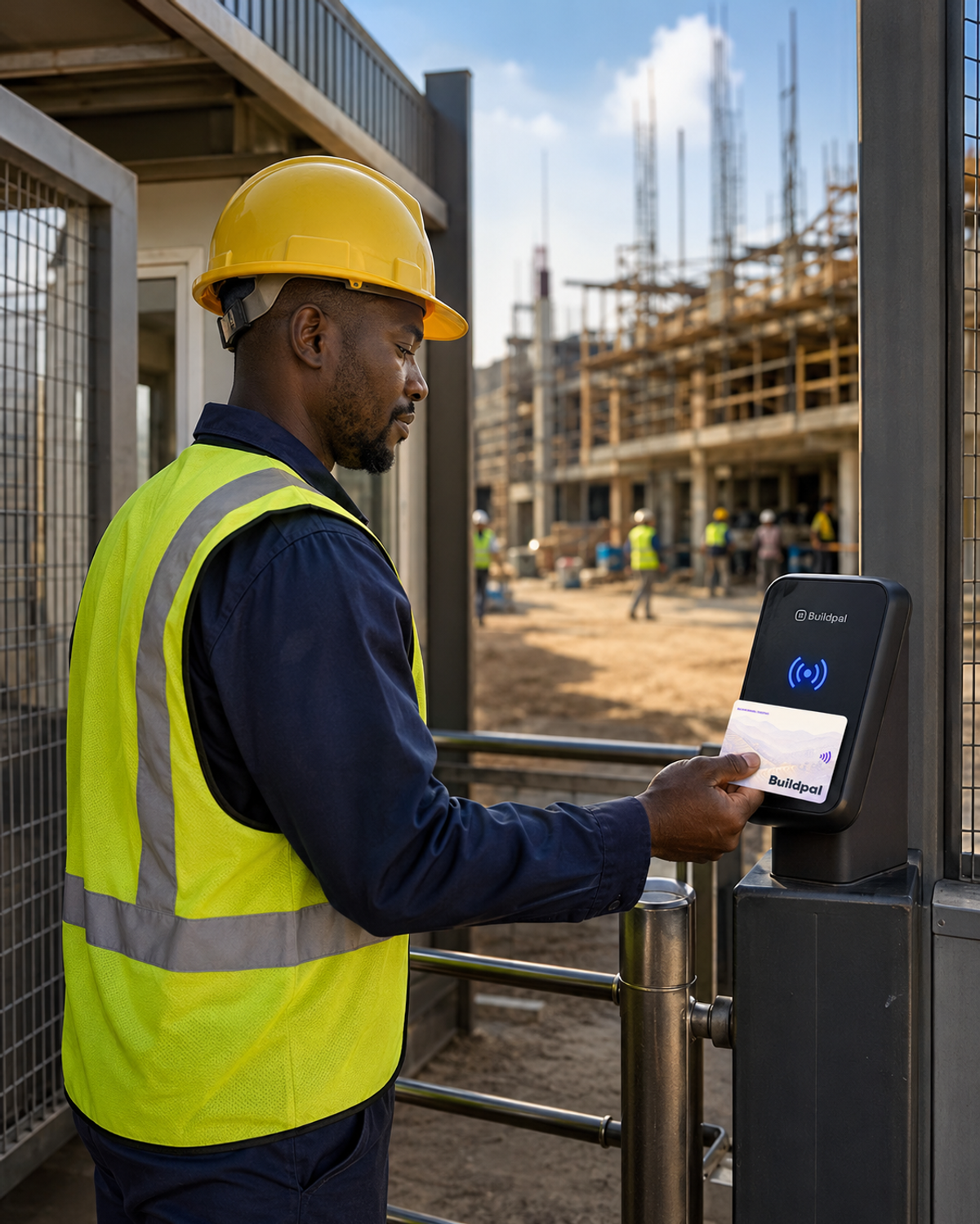
The reader never refuses someone without a reason. Knowing the answers saves arguments at the gate.
Accepted: the worker is in
The tap is recorded with the time, the site and the direction, in or out. Nothing else to do.
Card lost or not active
The card has been reported lost or isn't active yet. The worker needs their current card, or a replacement if the old one was lost.
Not booked on this site
The worker has no accepted booking at this site today. If they should be there, add them to the booking and ask them to tap again.
Duplicate tap
The same card was just tapped. The first tap already counts, so the worker can go in.
When the reader itself is down
If the reader shows as down, record attendance with the Field App until it's back, and check the reader's power and network.
Was this guide helpful?